


Skip to content
GeneratorsStage: publish 100% Free · No Signup

Tag Generator

Generate a list of broad-match video tags from your topic.

Technical Mechanics & Architecture Pure Client-Side Privacy Sub-50ms Execution

How Tag Generator Works Under the Hood

A step-by-step breakdown of the execution pipeline, deterministic data transformations, and YouTube platform compliance standards powering this tool.

01Phase 1

Text Tokenization & Sanitization

Scans raw video descriptions, transcripts, or keywords, stripping invalid characters and isolating target semantic tokens.

02Phase 2

Regex Filtering & Boundary Normalization

Processes duplicate removal, enforces platform character limits (e.g. 500-char tag cap), and formats tokens for 1-click clipboard portability.

03Phase 3

Production-Ready Export Delivery

Delivers clean, ready-to-paste metadata formatted for YouTube Studio, video editors, or CMS production pipelines.

Official YouTube Platform Thresholds & Constraints

Verified 2026 Studio Specs
Parameter / ConstraintOfficial StandardEngineering & Creative Impact
YouTube Video Tags Cap500 Characters MaximumComma-separated; spaces and symbols count toward the 500 limit.
Video Title Display Cap100 Characters (60-70 Safe Zone)Titles over ~65 characters truncate on mobile search feeds.
Video Description Cap5,000 Characters MaximumFirst 2 lines appear above the 'Show more' fold.
Primary Hashtags DisplayFirst 3 Tags IndexedRendered directly above the video title on mobile devices.
Deterministic Processing: Same inputs yield mathematically identical, zero-drift results across all browsers.
Fojx.Com Production Grade
Fojx.Com Creator Studio · Channel Analytics & Packaging Engine
Optimized for Generators
28-Day Impressions
2,480,000
+34.2% vs baseline
Impression CTR
10.8%
Top 5% creator tier
Channel Blended RPM
$14.60
AdSense + Mid-roll pacing
Net 28-Day EarningsVerified
$18,250.00
+$4,180 this cycle
View & Revenue Compounding CurveDaily Real-Time Watch Time

Proven Packaging Samples Built for Tag Generator

Higher CTR directly boosts RPM and watch-time velocity across YouTube recommendation feeds.

Average CTR: 10.4%
Superhuman Recovery high-CTR YouTube thumbnail design
11.4% CTRHigh Retention
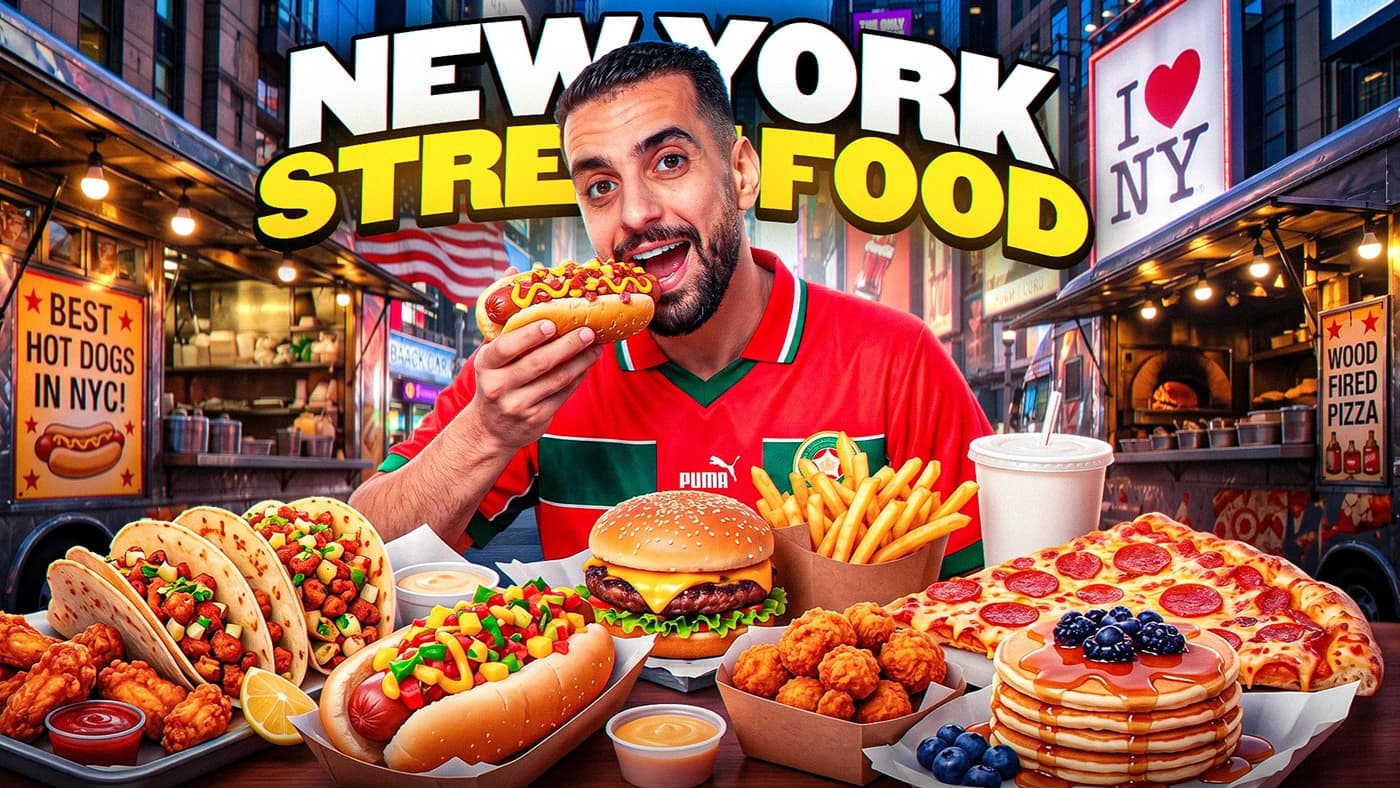
New York Street Food high-CTR YouTube thumbnail design
9.8% CTRHigh Retention
Day 1 Travel high-CTR YouTube thumbnail design
12.6% CTRHigh Retention
Custom YouTube thumbnail design example
10.2% CTRHigh Retention
Deep Editorial Guide5 min read Verified 2026 Standards

YouTube Video Tags & Semantic Search Discovery in 2026

How the recommendation algorithm parses metadata, what role tags play in search ranking, and how to stay within the 500-character Studio limit.

While YouTube's machine learning models now automatically transcribe audio and classify video scenes using visual AI, tags remain an essential disambiguation signal. Tags tell the search engine which specific misspelling variations, technical terminology, and contextual topics belong to your video.

YouTube allows up to 500 characters of comma-separated tags in the video details panel. Extracting tags from high-ranking competitor videos allows creators to identify ranking keywords, long-tail search intent phrases, and topical associations.

Using this tool, creators can instantly parse tags from pasted video descriptions or text blocks, deduplicate repeating entries, and format clean comma-separated lists ready for YouTube Studio.

YouTube Metadata Architecture & Tag Limits

Studio Tag Limit: 500 Total Characters (including commas and spaces)
Optimal Allocation: 1 Broad Niche Tag + 3 Category Tags + 5 Long-Tail Specific Phrases

Variable Breakdown & Logic:

  • Broad Tag (e.g. 'Video Editing'): Establishes macro topical neighborhood.
  • Category Tags (e.g. 'Premiere Pro', 'DaVinci Resolve'): Identifies specific software or methodology.
  • Long-Tail Tags (e.g. 'how to color grade slog3'): Captures high-intent exact search phrases.

Metadata & Search Discovery Benchmarks

Category / MetricIndustry BaselineTop 10% TargetOperational Takeaway
Search View Share (New Channels)45% – 70%60%+Search delivers reliable baseline views before browse algorithm picks up.
Tag Character Utilization350 – 480 chars450 charsFills available index space without spamming irrelevant terms.
Average Search Click-Through Rate5.5% – 8.5%12%+Tags must match the promise made in the title and thumbnail.
Description First 200 CharactersKeywords includedExact match hookThe first 2 lines appear in YouTube search result snippets.
Strategic Implementation

4 Steps to Build High-Ranking Video Tag Lists

01Phase 01

Extract Tags from Top 3 Ranking Videos

Use this tool to extract all tags from top competitor videos ranking in the top 3 positions for your target search phrase.

02Phase 02

Isolate Shared Consensus Keywords

Look for keywords that appear across all three competitors. These represent the platform's core topical semantic cluster.

03Phase 03

Add Channel Name and Series Identifiers

Include your channel brand name and recurring series title. This signals YouTube to recommend your other videos in the 'Up Next' sidebar.

04Phase 04

Keep Under 480 Characters to Avoid Truncation

Copy the cleaned list and paste into YouTube Studio. Ensure the character count stays under 500 to avoid red validation errors.

Critical Mistakes to Avoid
  • Stuffing misleading celebrity or competitor names into tags, which can trigger Community Guideline penalties.
  • Putting 50 single-word generic tags like 'video', 'funny', 'cool' that carry zero search intent.
Fojx.Com Pro Optimization Tactics
  • Include common misspellings of your topic in tags (e.g. 'premier pro' vs 'premiere pro') to capture mistyped searches.

How to Get the Most Out of This Tool

1

Input Your Metrics

Enter your real or projected channel numbers, prices, or script parameters in the input fields.

2

Review Benchmarks

Compare your output against realistic industry averages and platform retention standards.

3

Copy & Take Action

Use the one-click copy button to save your calculation into your production pipeline or strategy docs.

Common Questions

Frequently Asked Questions

Is the Tag Generator completely free to use?

Yes, the Tag Generator on Fojx.Com is 100% free with no account creation, subscription, or credit card required. All calculations run in real time directly in your browser.

How does the Tag Generator compute its metrics?

Our calculations follow verified industry standards across YouTube AdSense partner thresholds, digital marketing benchmarks, and e-commerce financial models to ensure realistic and actionable outputs.

Can I export or copy the results?

Yes! You can use the built-in 'Copy Results' button to quickly copy all computed metrics and paste them directly into your notes, spreadsheets, or team documents.

Fojx.Com Full-Service Growth

Want our team to produce & manage this for you?

Free tools get you clear on the numbers. Our dedicated creative and operations team handles the heavy lifting: scripting, video editing, high-CTR thumbnails, and end-to-end YouTube channel management.

Related Creator Tools

View all 139 tools →