

Skip to content
Downloaders & ViewersStage: thumbnail 100% Free · No Signup

Thumbnail Downloader

Get every standard thumbnail resolution for any YouTube video URL.

Pro Creator Workflow Tip:

Download the 1280×720 Max Resolution thumbnail for your archives or design inspiration. If you are preparing a thumbnail for upload to your own channel, click "Compress Below 2MB" to guarantee YouTube Studio accepts your upload without file-size rejections.

Technical Mechanics & Architecture Pure Client-Side Privacy Sub-50ms Execution

How Thumbnail Downloader Works Under the Hood

A step-by-step breakdown of the execution pipeline, deterministic data transformations, and YouTube platform compliance standards powering this tool.

01Phase 1

Input Ingestion & Frame Capture

Directly accepts YouTube video URLs, image links, or local high-resolution file drops (up to 50MB) into an isolated browser memory buffer.

02Phase 2

Client-Side Canvas Quantization

Executes client-side HTML5 Canvas pixel rendering, bilinear image downsampling, and lossy/lossless WebP/JPEG quantization algorithms to minimize bytes.

03Phase 3

YouTube Studio Compliance Verification

Validates output against YouTube's strict 2.0 MB upload ceiling and 16:9 aspect ratio, generating instant client-side binary downloads.

Official YouTube Platform Thresholds & Constraints

Verified 2026 Studio Specs
Parameter / ConstraintOfficial StandardEngineering & Creative Impact
YouTube Studio File Limit2.0 MB Maximum (Strict)Files over 2MB trigger an immediate upload error in Studio.
Recommended Resolution1280 × 720 PixelsMinimum acceptable width is 640px; 16:9 ratio required.
Supported Output FormatsJPEG (.jpg), WebP (.webp), PNG (.png)JPEG is native standard; WebP offers best compression density.
CDN Resolution Tiersmaxresdefault, sddefault, hqdefaultAuto-falls back to lower tiers if 1080p/720p isn't generated.
Deterministic Processing: Same inputs yield mathematically identical, zero-drift results across all browsers.
Fojx.Com Production Grade
Fojx.Com Creator Studio · Channel Analytics & Packaging Engine
Optimized for Downloaders & Viewers
28-Day Impressions
2,480,000
+34.2% vs baseline
Impression CTR
10.8%
Top 5% creator tier
Channel Blended RPM
$14.60
AdSense + Mid-roll pacing
Net 28-Day EarningsVerified
$18,250.00
+$4,180 this cycle
View & Revenue Compounding CurveDaily Real-Time Watch Time

Proven Packaging Samples Built for Thumbnail Downloader

Higher CTR directly boosts RPM and watch-time velocity across YouTube recommendation feeds.

Average CTR: 10.4%
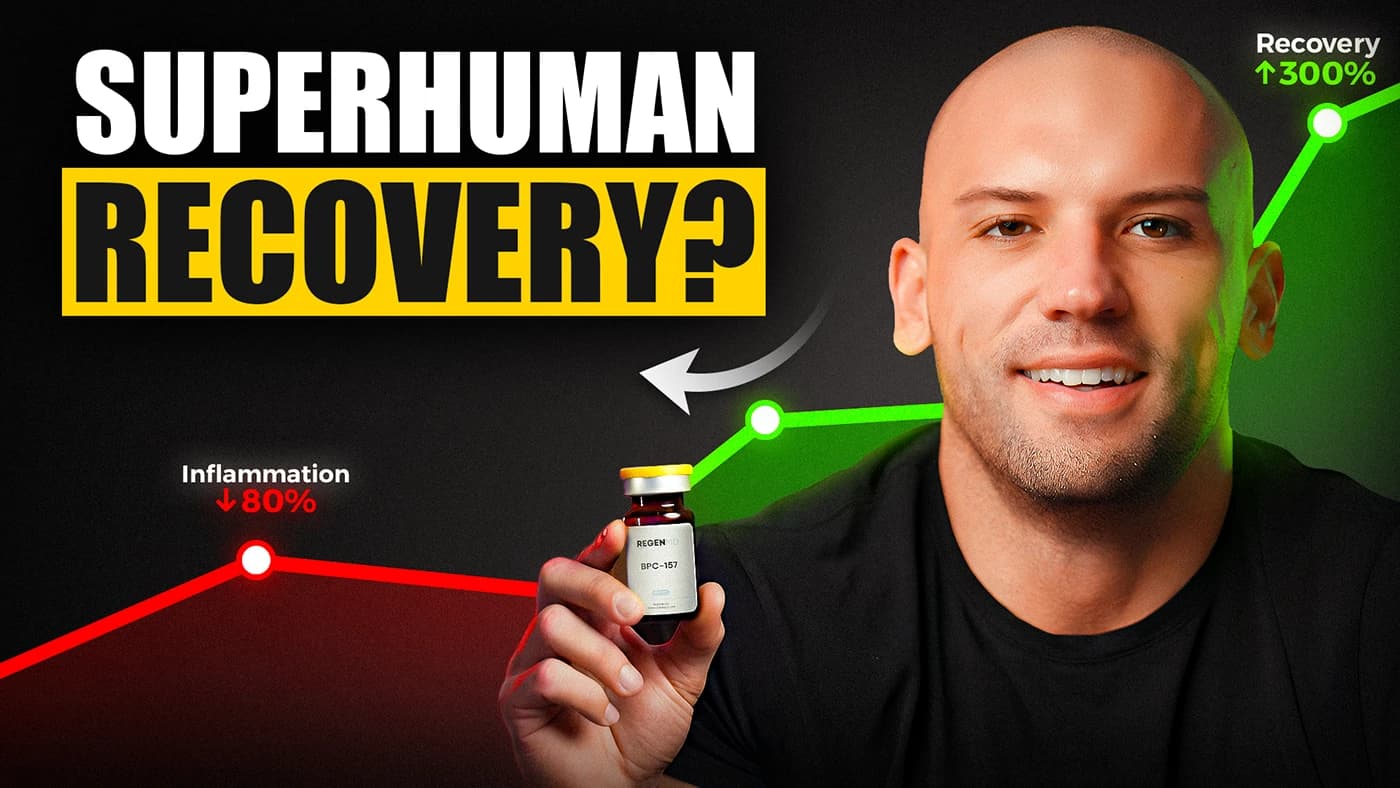
Superhuman Recovery high-CTR YouTube thumbnail design
11.4% CTRHigh Retention
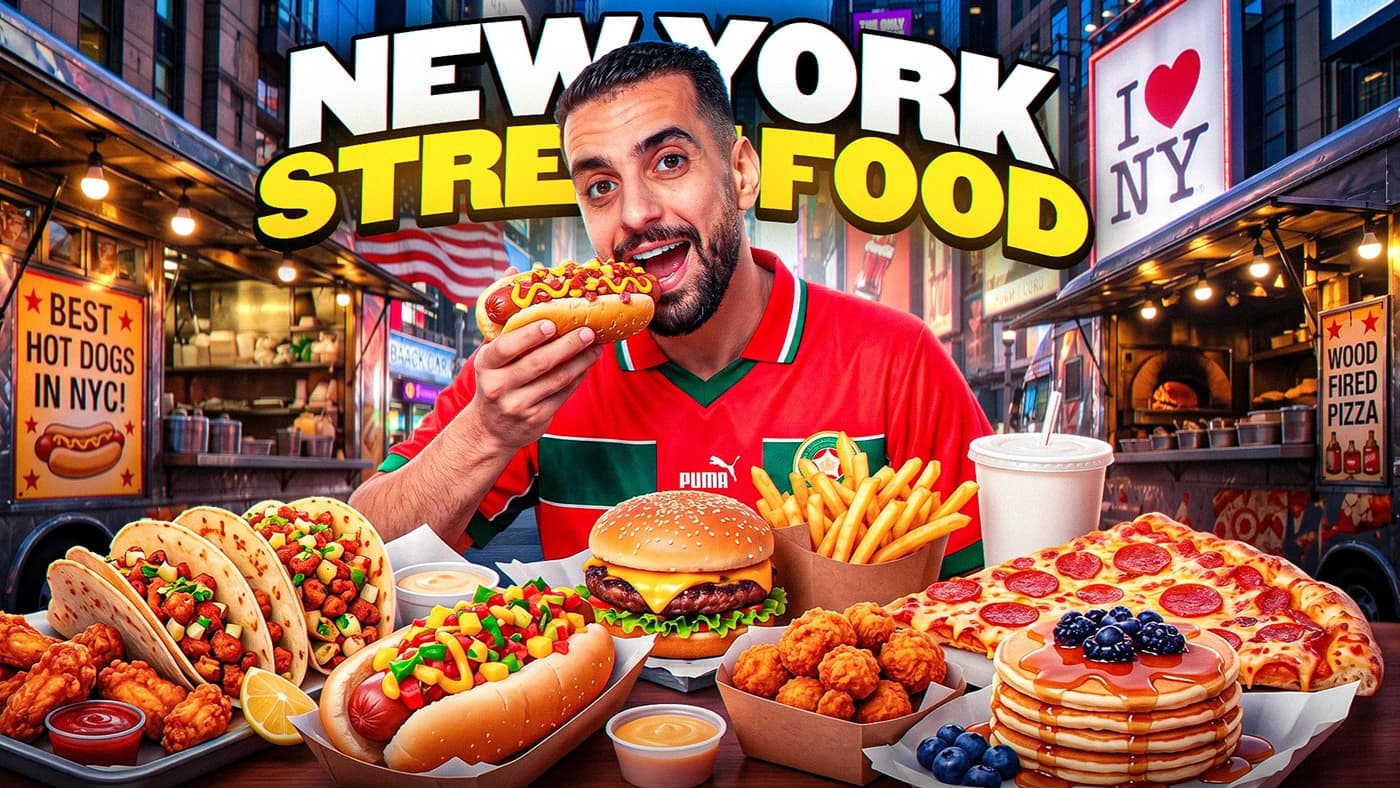
New York Street Food high-CTR YouTube thumbnail design
9.8% CTRHigh Retention
Day 1 Travel high-CTR YouTube thumbnail design
12.6% CTRHigh Retention
Custom YouTube thumbnail design example
10.2% CTRHigh Retention
Deep Editorial Guide6 min read Verified 2026 Standards

The Comprehensive Guide to YouTube CDN Resolutions & Thumbnail Extraction

How YouTube's Content Delivery Network indexes thumbnail files, how resolution hierarchies work, and how to capture 1280×720 original frames for packaging analysis.

When a creator uploads a video or custom thumbnail, YouTube's backend transcode cluster creates up to five discrete image resolutions stored across Google's edge CDN (img.youtube.com and i.ytimg.com). Understanding this hierarchy allows creators and editors to extract original uncompressed artwork, analyze competitor compositions, and verify graphic fidelity.

The top resolution tier, 'maxresdefault.jpg' (1280×720), represents the full HD canvas recommended by YouTube Studio. However, if a creator originally uploaded an SD thumbnail or low-resolution video without custom artwork, the CDN returns a 404 error on maxresdefault and silently falls back to 'sddefault.jpg' (640×480) or 'hqdefault.jpg' (480×360).

Analyzing competitor thumbnails at their native 1280×720 resolution reveals subtle contrast grades, font choices, facial expressions, and composition angles that are impossible to inspect on small phone screens.

YouTube CDN Resolution Hierarchy & Specs

Tier 1: maxresdefault.jpg = 1280×720 px (16:9 HD — Studio Ideal)
Tier 2: sddefault.jpg     = 640×480 px (4:3 Standard Def)
Tier 3: hqdefault.jpg     = 480×360 px (4:3 High Quality)
Tier 4: mqdefault.jpg     = 320×180 px (16:9 Medium Quality)
Tier 5: default.jpg       = 120×90 px  (4:3 Small List Icon)

Variable Breakdown & Logic:

  • maxresdefault is generated only when the source image uploaded was at least 640px wide and 16:9 aspect ratio.
  • sddefault and hqdefault use a 4:3 canvas with pillarbox black bars if the original upload was 16:9, making them sub-optimal for production reuse.
  • Google edge servers cache these files indefinitely under public ETag headers with full CORS access for client applications.

2026 YouTube Thumbnail Packaging & CTR Benchmarks

Category / MetricIndustry BaselineTop 10% TargetOperational Takeaway
Top-Quartile CTR (Browse Feed)4.0% – 6.5%10.0%+Drives algorithmic expansion into broad non-subscriber feeds.
Search Impressions CTR5.0% – 8.0%12.0%+Requires ultra-clear visual answer to search query intent.
Mobile Screen Legibility3 – 5 words text1 – 3 words maxThumbnails render at ~180px width on smartphones.
Face vs Object Visual Dominance30% canvas fill45% – 60% canvas fillExaggerated facial expressions or high-contrast hero props.
Timestamp Safe-Zone Padding10% marginBottom-right 20% emptyYouTube video duration badge covers the bottom right corner.
Strategic Implementation

4-Step Competitor Packaging Reverse-Engineering Playbook

01Phase 01

Download Top 5 Competitor Max-Res Thumbnails

Use this tool to extract the full 1280×720 maxresdefault.jpg of the top 5 ranking videos for your target topic into a dedicated design folder.

02Phase 02

Color-Palette & Contrast Audit

Notice what colors the top 5 videos share. If all 5 use dark blue backgrounds with yellow text, design yours with high-saturation lime green or hot red to create an instant pattern-interrupt.

03Phase 03

Verify the 3-Second Visual Question

Great thumbnails do not repeat the title. The thumbnail poses an irresistible visual puzzle or curiosity gap that only clicking the video can resolve.

04Phase 04

Simulate Smartphone Feed Display at 10% Zoom

Zoom out to 10% scale or load the image in our Thumbnail Preview Simulator. If the focal subject or text is illegible at 180px, re-crop tighter before exporting.

Critical Mistakes to Avoid
  • Placing critical facial expressions, text, or brand logos in the bottom-right corner where the timestamp badge covers them.
  • Using low-contrast pastel colors that wash out against YouTube's dark-mode background.
  • Crowding the 1280×720 canvas with 8+ words of text that becomes microscopic on mobile devices.
Fojx.Com Pro Optimization Tactics
  • Always export your thumbnails in sRGB color profile to prevent YouTube's transcoder from muting your reds and skin tones.
  • Use bold stroke outlines (3px–6px) around foreground subjects to pop them against noisy background environments.

How to Get the Most Out of This Tool

1

Input Your Metrics

Enter your real or projected channel numbers, prices, or script parameters in the input fields.

2

Review Benchmarks

Compare your output against realistic industry averages and platform retention standards.

3

Copy & Take Action

Use the one-click copy button to save your calculation into your production pipeline or strategy docs.

Common Questions

Frequently Asked Questions

Is the Thumbnail Downloader completely free to use?

Yes, the Thumbnail Downloader on Fojx.Com is 100% free with no account creation, subscription, or credit card required. All calculations run in real time directly in your browser.

How does the Thumbnail Downloader compute its metrics?

Our calculations follow verified industry standards across YouTube AdSense partner thresholds, digital marketing benchmarks, and e-commerce financial models to ensure realistic and actionable outputs.

Can I export or copy the results?

Yes! You can use the built-in 'Copy Results' button to quickly copy all computed metrics and paste them directly into your notes, spreadsheets, or team documents.

Fojx.Com Full-Service Growth

Want our team to produce & manage this for you?

Free tools get you clear on the numbers. Our dedicated creative and operations team handles the heavy lifting: scripting, video editing, high-CTR thumbnails, and end-to-end YouTube channel management.

Related Creator Tools

View all 139 tools →